
Dejar un mensaje
Si le interesan nuestros productos y desea obtener más información, deje un mensaje aquí y le responderemos lo antes posible.

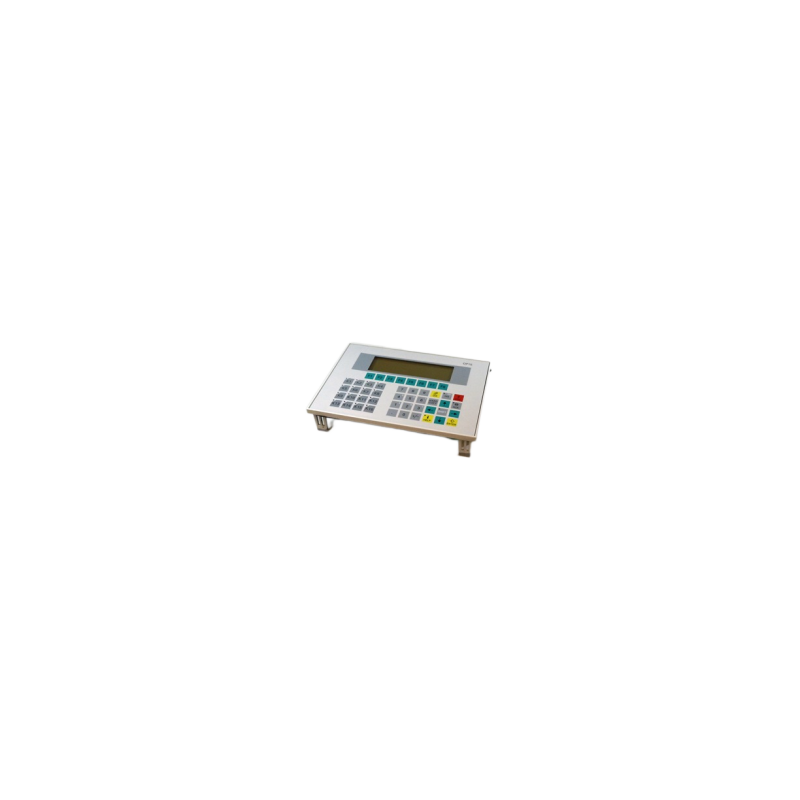
The 6AV3515-1MA00 (Siemens SIMATIC COROS OP15/B operator panel) is a classic industrial HMI (human-machine interface) device that has been discontinued.
Número de artículo :
6AV3515-1MA00Pedido (cantidad mínima de pedido) :
1Pago :
EXWOrigen del producto :
OriginalPuerto marítimo :
Wuhan, Hubei, ChinaPlazo de entrega :
3-5 daysPeso :
1.1kg6AV3515-1MA00 SIEMENS

New in stock
Origin and Brand New
Payment Method: TT.Western Union
Shipping Method: DHL\UPS\Fedex\EMS\Others
Specification
| Brand/Manufacturer | Siemens |
| Part Number | 6AV3515-1MA00 |
| MOQ | 1PC |
| Price | The price is not real, please inquiry |
Trade Process

Frequent Questions and Answers
1.How long is the delivery time?
If this item is in stock, it will take 2-3 working days to ship, if it is not a conventional model,we will inform you of the specific delivery time.
Q2: What are the core hardware specifications for the 6AV3515-1MA00?
• Display Type: LCD text/graphic display.
• Display Format: Configurable via software as either 4 lines × 20 characters per line (character height: 8 mm) or 8 lines × 40 characters per line (character height: 4.5 mm).
• Typical Platform: Primarily used in conjunction with Siemens SIMATIC S5 control systems.
Q3: How can I clear the memory and force the OP15 into "Transfer" mode?
If you are unable to download a program or need to clear internal data, you can use the following key combinations during power-up (note: the keys must be pressed and held while the device is being powered on):
• "Ready for Transfer" mode (entering download-ready state):
Press and hold ESC + Down Arrow (⬇) + Right Arrow (➡) simultaneously.
• Clear internal static RAM (factory reset/clear configuration):
Press and hold HELP + Left Arrow (⬅) + Down Arrow (⬇) simultaneously.
• Perform a hardware self-test:
Press and hold Left Arrow (⬅) + Down Arrow (⬇) + Right Arrow (➡) simultaneously.
Q4: What software is required to configure/program this panel?
• Answer: This legacy model requires Siemens’ older configuration software—either COM-TEXT or ProTool—to develop screens and data. Modern software suites, such as TIA Portal and WinCC flexible, do not support the configuration of this legacy model.
Hot Selling
※Bently Nevada※
3500/22M 3500/42M 3500/40 3500/65
※Allen-Bradley※
1756-L71 1756-IRT8I 1756-OBV8S 1747-L532
1747-L551 1785-L40B 1785-L60B 1756-IF16
※ABB※
CI854AK01 PM866K01 3BHE022291R0101 AO810 DI810
※Honeywell※
CC-PFB401 CC-PAIM01 MC-PAOY22
MC-TAMT04 MC-TAMR04 MC-TAIH02
※ICS TRIPLEX※
T8310 T8431 T8461 T8151B T8110B T8451
※Triconex※
Invensys 3625 Invensys 3503E Invensys 3008
Invensys 4329 Invensys 3009 Invensys 4351B
Escanea y envíalo a WeChat. :

Escanea y envíalo a WhatsApp. :